It’s the end of another school year! I am so excited for summer break, but before I can put all of my work to the side for the next 10ish weeks, my job share partner and I always set up our art curriculum for the following school year.
This means reflecting on what we loved about our curriculum the past year and tweaking it for the next year. This is no easy task and usually takes us a couple hours. It used to take us even longer before we started using an art teacher lesson reflection sheet to track everything throughout the year.
Because let’s be honest—without a system, end-of-year planning turns into a guessing game. You’re trying to remember:
- “Did this lesson actually work with 3rd grade?”
- “How long did this lesson take?”
- “Did I cover that standard?”
- “Should I keep this project for next year?”
It used to go the same way every spring… “do you remember how this lesson went from SEPTEMBER?” or “do you remember how long this one took?”
NO MORE GUESSING. Now we use a Google Sheets lesson tracker for art teachers and make quick notes throughout the school year. This means we’re not relying on memory months later when everything blends together.
Instead of spending hours trying to reconstruct the year, we just:
- Open our tracker
- Review our notes
- Make intentional changes
- Build a stronger, more efficient curriculum plan for the next year
It’s SO much easier—and it saves us a huge amount of time and mental energy during an already busy season.
Here is what it looks like…
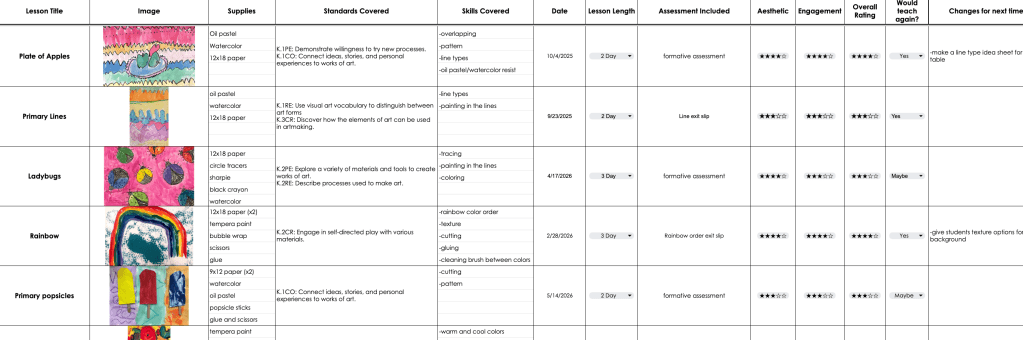
Unless you have crazy good eyesight, you probably can’t read this Google Sheet at all—but before we get down to the small details, I want you to see the overall format of this art teacher reflection system.
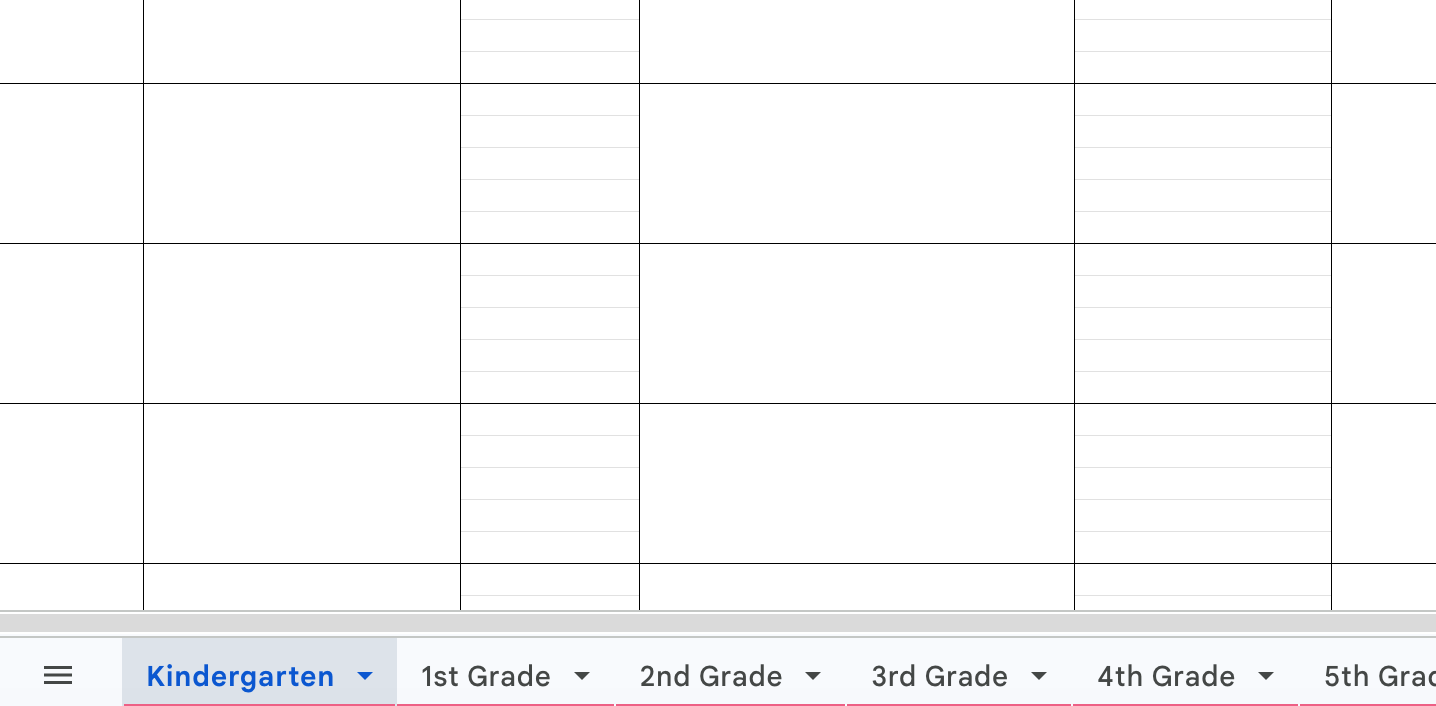
There are 6 tabs. Each tab is a grade level, K–5th grade in our case. This functions as a full elementary art lesson planning and reflection tool, not just a random notes page.
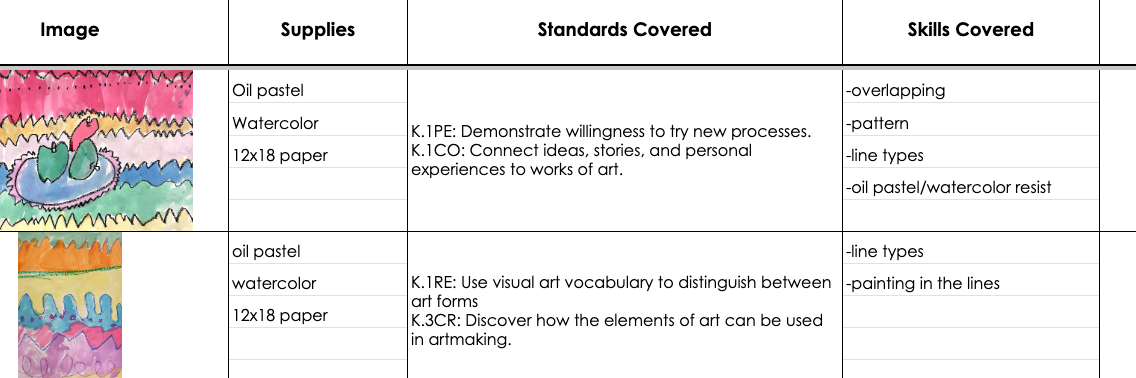
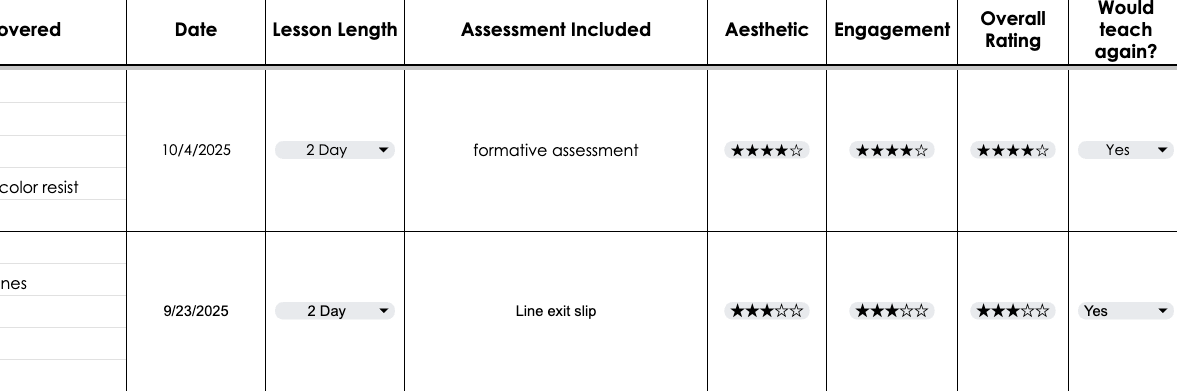
Each column is labeled for key information for each lesson (the rows). Information captured includes: lesson title, an image, supplies needed, standards covered, skills covered, date taught, project length, assessment included, ratings for aesthetic, engagement, and overall success, whether we want to do the project again, and notes about changes we wish to make for next time, plus general reflections.
The biggest benefit of using a system like this is that it removes the stress of end-of-year planning. Instead of trying to remember 40+ lessons from memory, everything is already documented in one place.
It also helps you:
- Quickly identify which lessons were most effective
- Eliminate or revise lessons that didn’t work well
- Balance your curriculum across grade levels
- Save time during planning season
- Make data-informed decisions instead of guesswork
The Google Sheet is simple and quick to fill out because several of the columns are dropdown menus, making it an efficient teacher organization system for lesson planning and reflection that doesn’t add extra work during the school year.
If you’re anything like me, you probably have great intentions of remembering how every lesson went throughout the year—but after teaching hundreds of classes, the details start to blur together.
Keeping track of lesson reflections has completely changed the way we approach curriculum planning. Instead of spending hours trying to remember what worked and what didn’t, we have all of our notes, ratings, and ideas organized in one place and ready to use when planning for the next school year.
Whether you’re looking to improve your curriculum, save time during summer planning, or simply stop relying on memory, a lesson reflection system can make a huge difference.
If you’d like to try the same system I use, you can check out my Art Teacher Lesson Reflection Tracker below.
Happy planning, and enjoy your summer break!


Leave a Reply